

Team and roles
Each person gets what their job needs, and nothing more
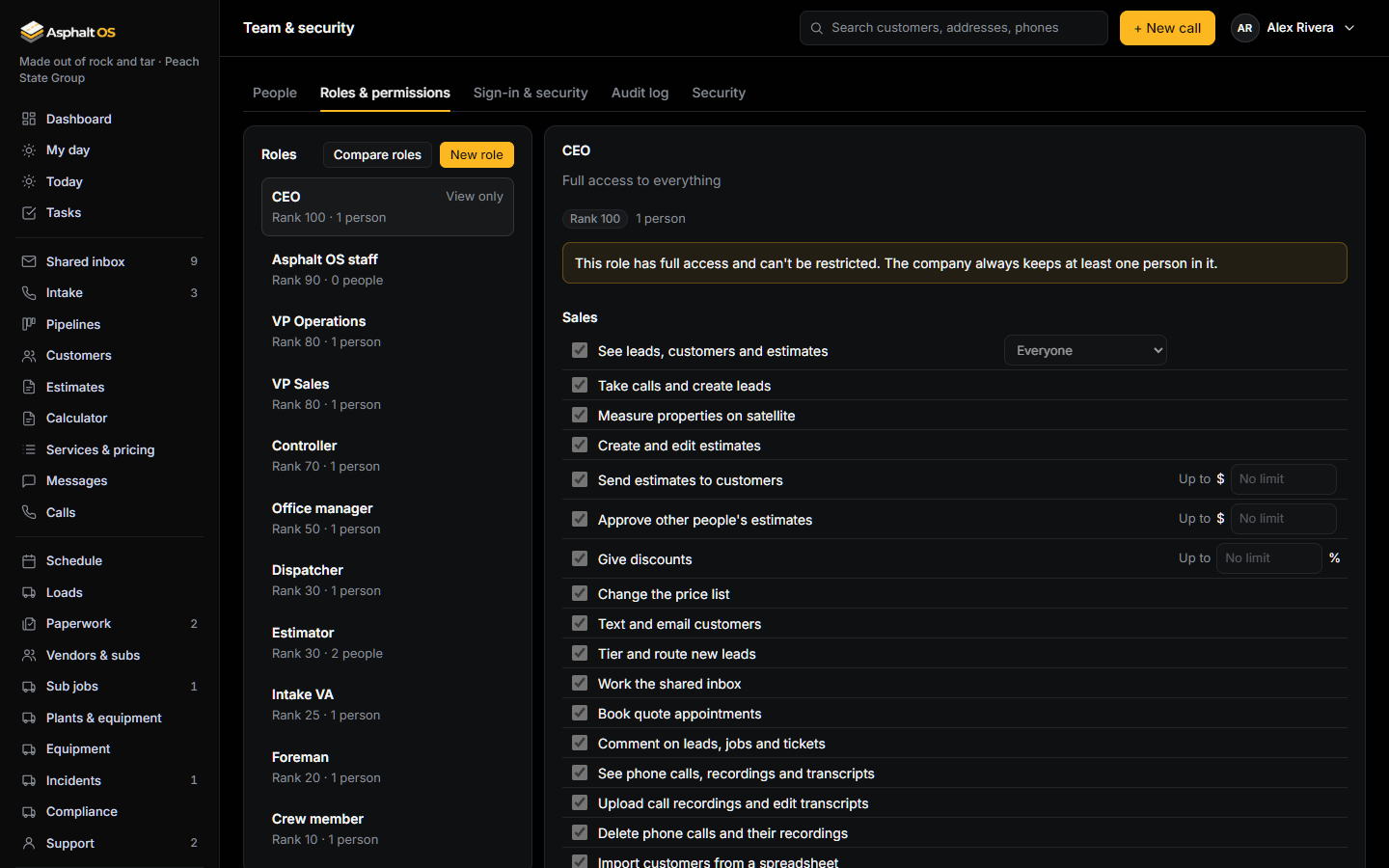
Eleven roles to start, from the CEO to the crew member. Scopes say whose records a permission covers, limits say how much, and the database checks all of it on every read and every change.
Roles and permissions
Every new company starts with eleven roles: CEO, Asphalt OS staff, VP Operations, VP Sales, Controller, Office manager, Estimator, Dispatcher, Intake VA, Foreman and Crew member. Change them, add your own, or give one person an exception.
- A permission can have a scope (their own records, their crew or everyone) and a limit: the biggest estimate someone can send without approval, or the biggest discount. An Estimator starts at $15,000 and 5%.
- Each role has a rank. People manage only people and roles ranked below them. Nobody can give a permission they don't hold, change their own access, or manage someone at or above their rank.
- Hiding a button is only a convenience: the rule holds even if someone finds a way around the screen.
Read more: Roles and permissions, Your own roles and exceptions.
Crews never see prices
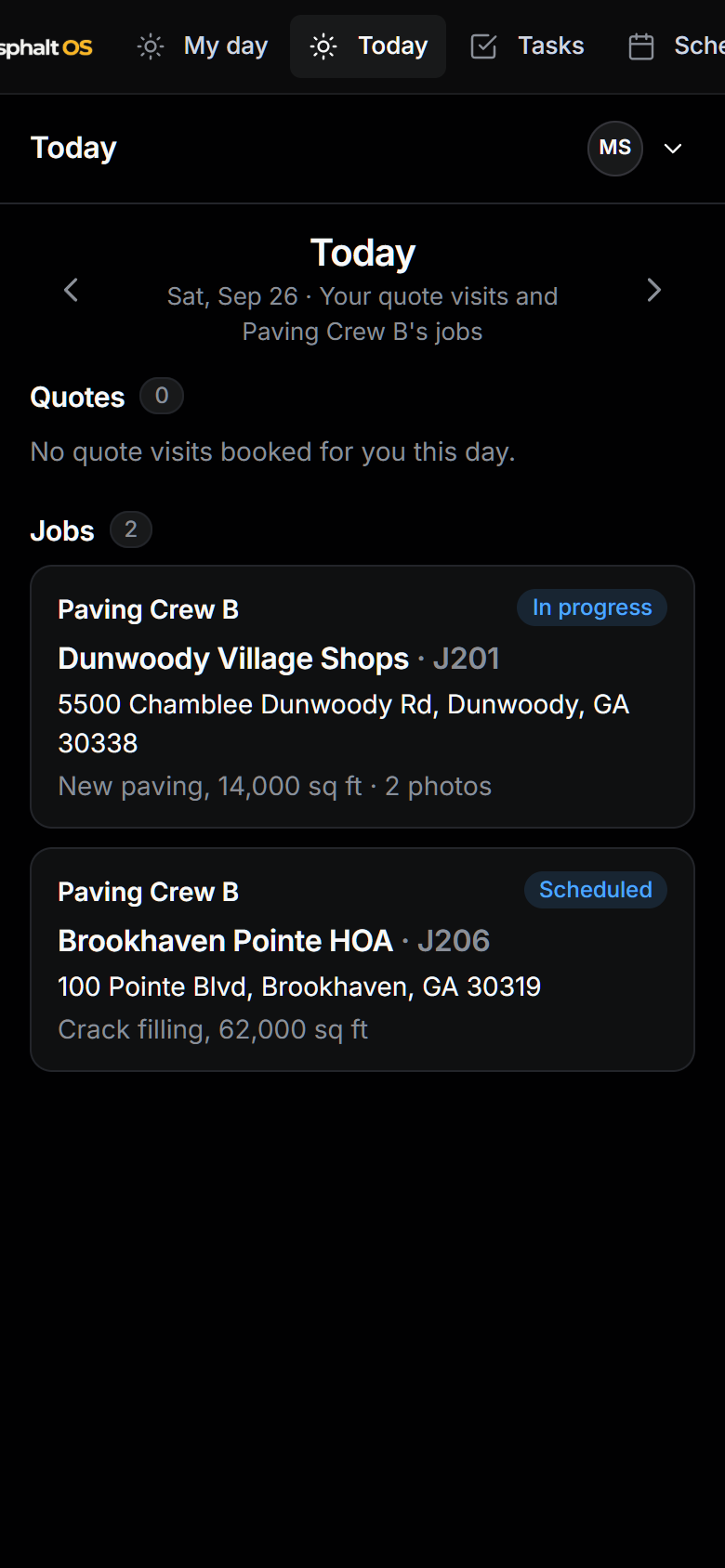
Foremen and crew members see their crew's jobs: the day, the address, the scope, the weather, the access notes, the contact and the directions. Never the price of a job, what the company pays for materials, margins, invoices or bills.
- It isn't just hidden on the screen. When a crew member opens a job, the database answers without the price at all.
- What the company pays sits behind its own permission. A foreman can manage an incident but doesn't see what the repair cost.
Read more: Why crews never see prices or costs.
Inviting your team
Invite people by email into a role ranked below yours. The email carries a one-time link that works for 48 hours. The person types their name and a password of at least 12 characters and is in.
- The Invites card lists every invite as Waiting, Accepted, Withdrawn or Expired. The letter is Asphalt OS's own, sent by the background worker with the link made as it leaves.
- Each person fills in a short profile first: their phones, an emergency contact and how alerts should reach them. Alerts go out by text or email as they chose, and never carry a customer's words or a price.
- Someone who leaves is removed from the company: their sessions end and they can no longer sign in. What they did stays on record.
- When your company requires two-factor sign-in (a new company does), the next sign-in leads each person straight into setting it up, and the People tab marks everyone who still hasn't.
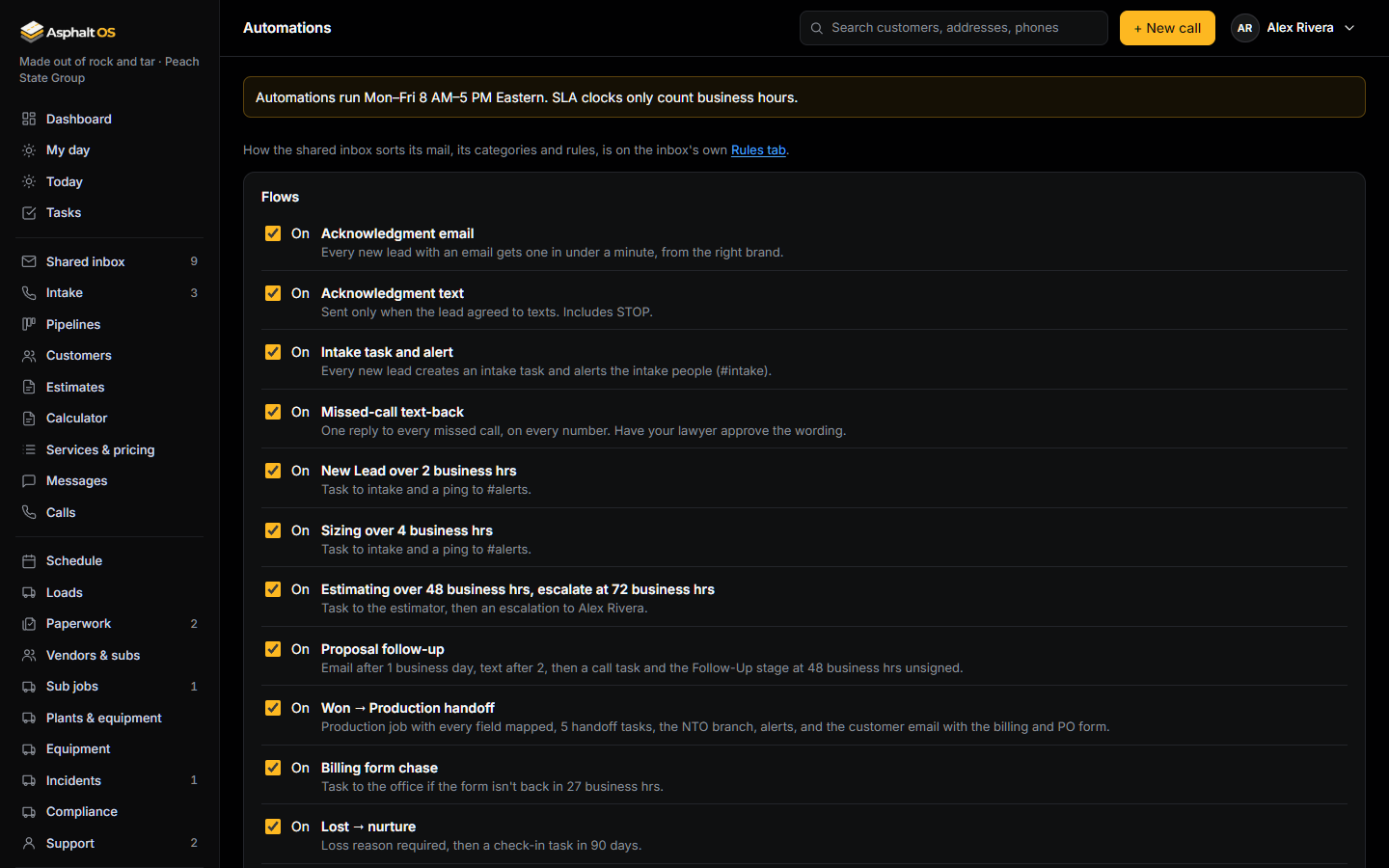
Read more: Inviting your team, Automations.
The history log
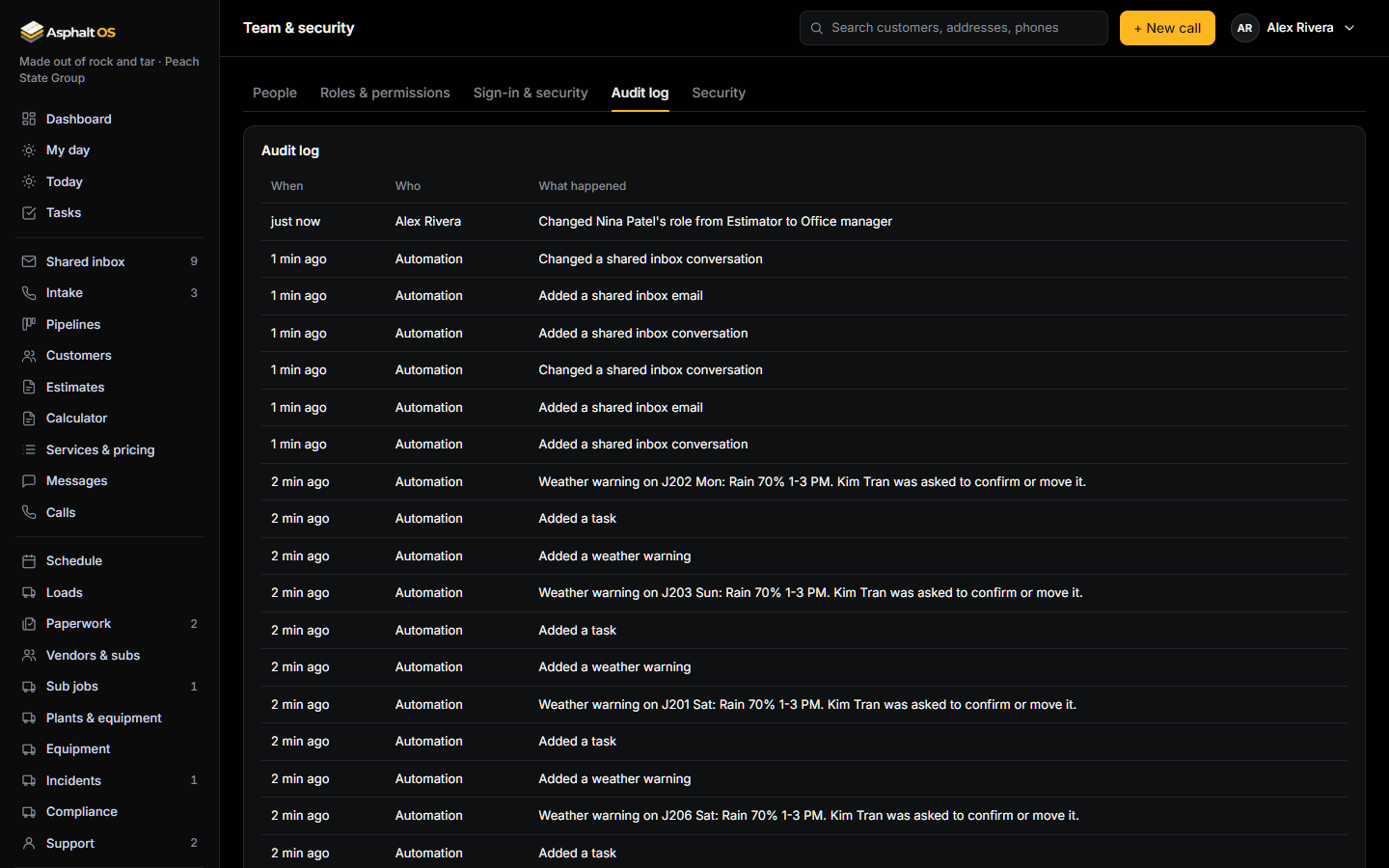
Changes to people, roles, exceptions, settings, brands, automations and business records go into a log that reads in plain words: "Changed Dana's role from Estimator to Office manager". Entries are added, never edited or deleted, by anyone. The database refuses.
- Some things are never copied into it: Social Security numbers, bank tokens, the secret parts of links sent to customers, and what the company pays for materials.
- People who can see the history log also see field changes on a customer's timeline.
Read more: The history log, The Team and security page.
See it with your own jobs
The demo opens in your browser with a sample paving company. Or tell us about your company and we will walk you through the real thing.