

Fleet and safety
Every unit, every inspection, every incident
The meters, the service plan and the history of each machine; accidents and breakdowns reported from the phone; and the daily inspections that a DOT audit asks for.
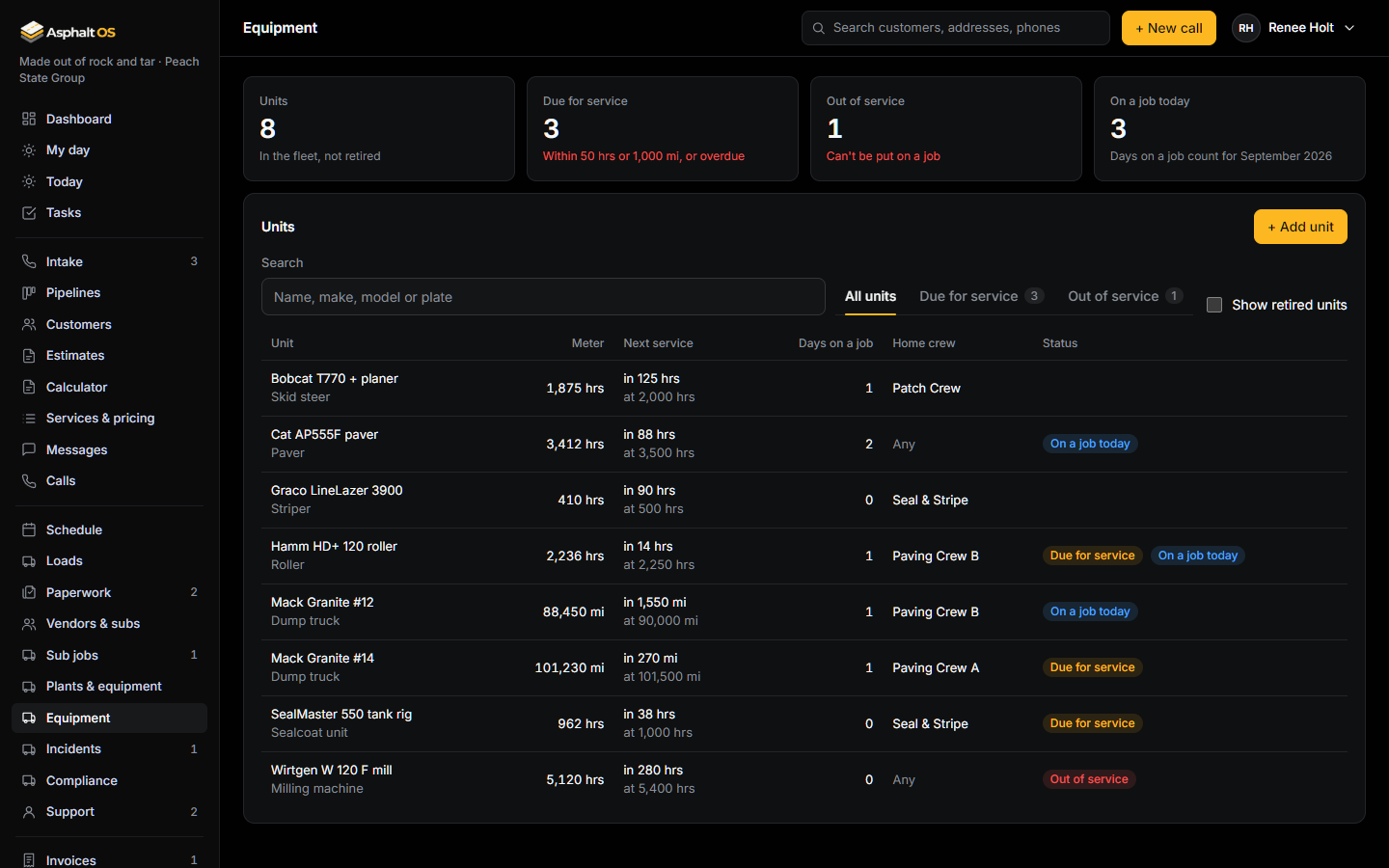
Equipment and service reminders
Pavers, rollers, milling machines, dump trucks, crew trucks, sealcoat units, skid steers, stripers and trailers, each with its meter (hours or miles), its service interval and its history: meter log, maintenance, deployments and incidents.
- "Due for service" within 50 hours or 1,000 miles, "Service overdue" after. VP Operations gets a task per service point, 3 days ahead or at once when overdue. Recording the service closes it.
- A reading can't go below the last one, and is never edited or deleted.
- Take out of service asks why. A unit that is out of service can't be put on a job until it is back; the database refuses.
- The cost of maintenance shows only to people who can see money or manage equipment.
Read more: Equipment and service reminders.
Incidents and repairs
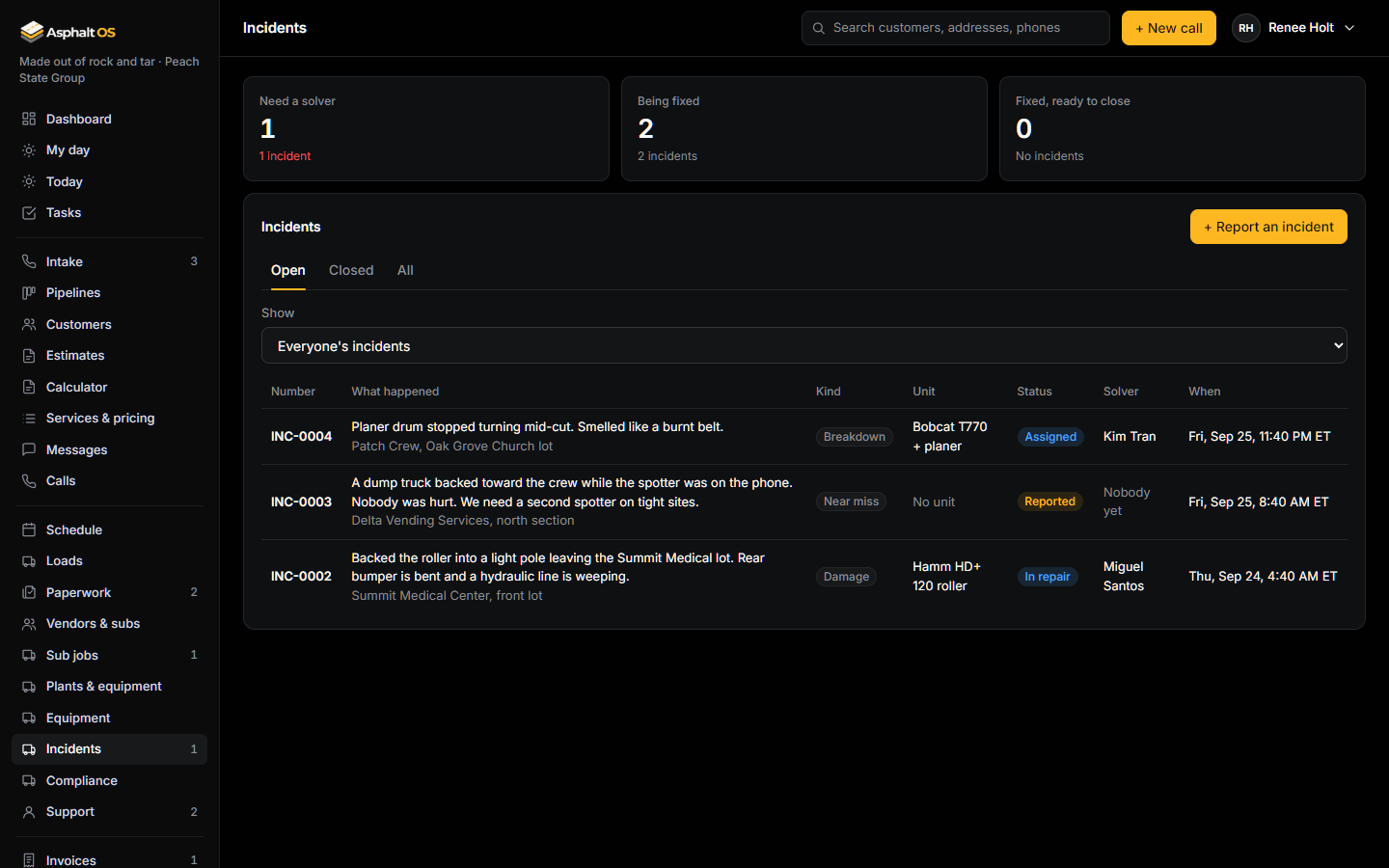
Anyone can report an accident, a breakdown, damage, an injury or a near miss from the phone, with photos from the camera. A manager assigns a solver, the solver records the repair with its cost and receipt, and a manager closes it.
- Reports are numbered INC-0001, INC-0002 and so on. A new report alerts the operations team. The solver gets a task, "Fix INC-...", due in 24 hours.
- An incident needs a solver before it can be marked fixed. A closed incident can't be changed.
- The repair goes into the unit's history. The cost shows to people who can see money and to the solver; a foreman manages incidents but doesn't see the cost.
Read more: Incidents and repairs.
Driver compliance
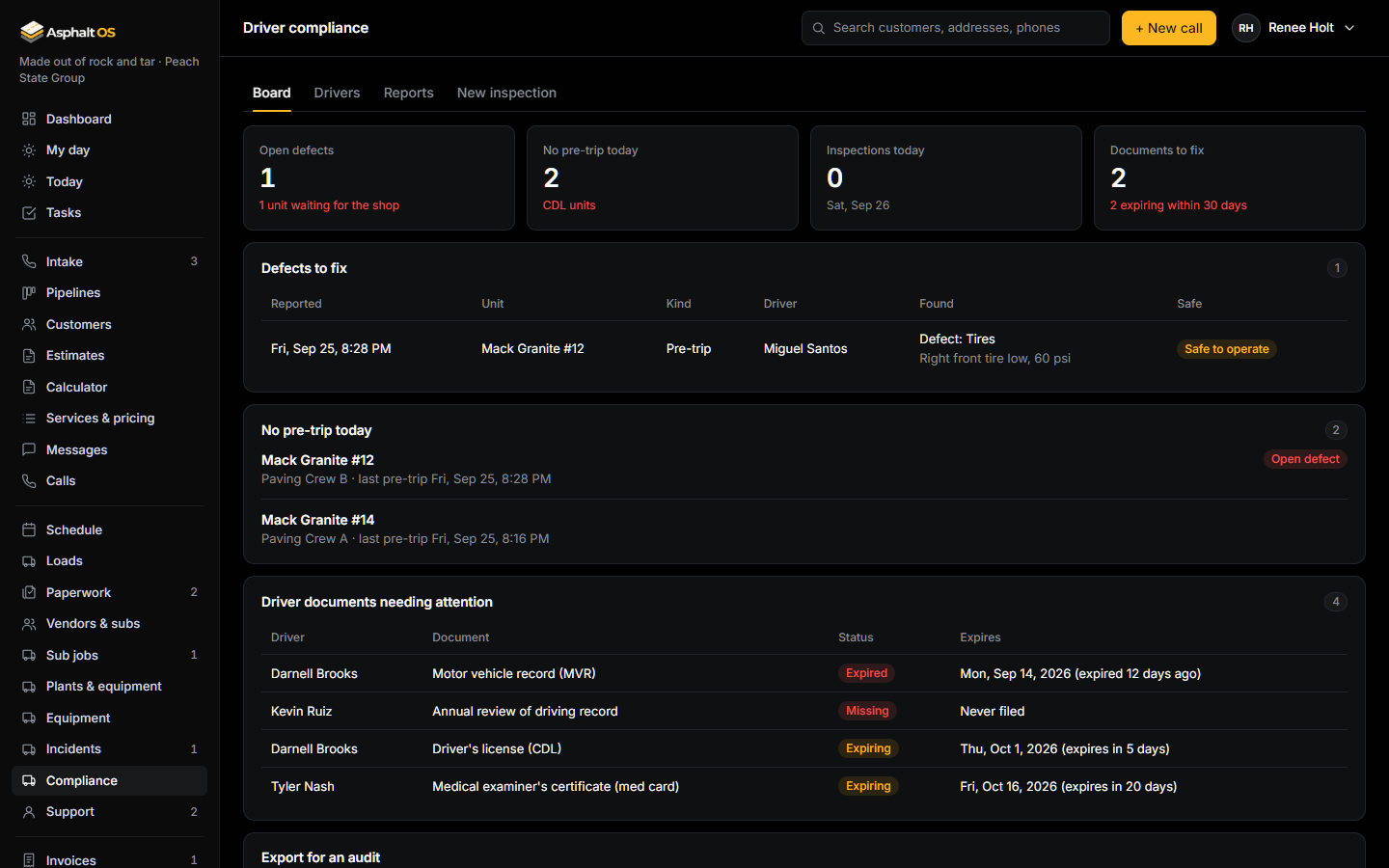
A driver opens Compliance on the phone, picks the unit and Pre-trip or Post-trip, answers each item OK, Defect or Not on this unit, chooses Safe or Not safe to operate, and signs. The checklist follows the federal inspection items (49 CFR 396.11). The report can't be changed afterwards.
- A defect puts the unit under Needs the shop. The office signs off with what the shop found.
- When a unit's last inspection found a defect, the next driver must tick Repairs checked before their report goes in (49 CFR 396.13). The database refuses it otherwise.
- Driver files: licence, medical certificate, MVR, road test, annual review and drug and alcohol enrollment, with expiry reminders at 30 days, 7 days and once expired. Document numbers never appear in tasks or alerts.
- Export for an audit downloads the inspections and the driver files for a date range as spreadsheets.
These records help you prepare for a DOT audit; they don't guarantee passing one. A transportation attorney should confirm the checklist before you rely on it.
Read more: Driver compliance.
Truck loads
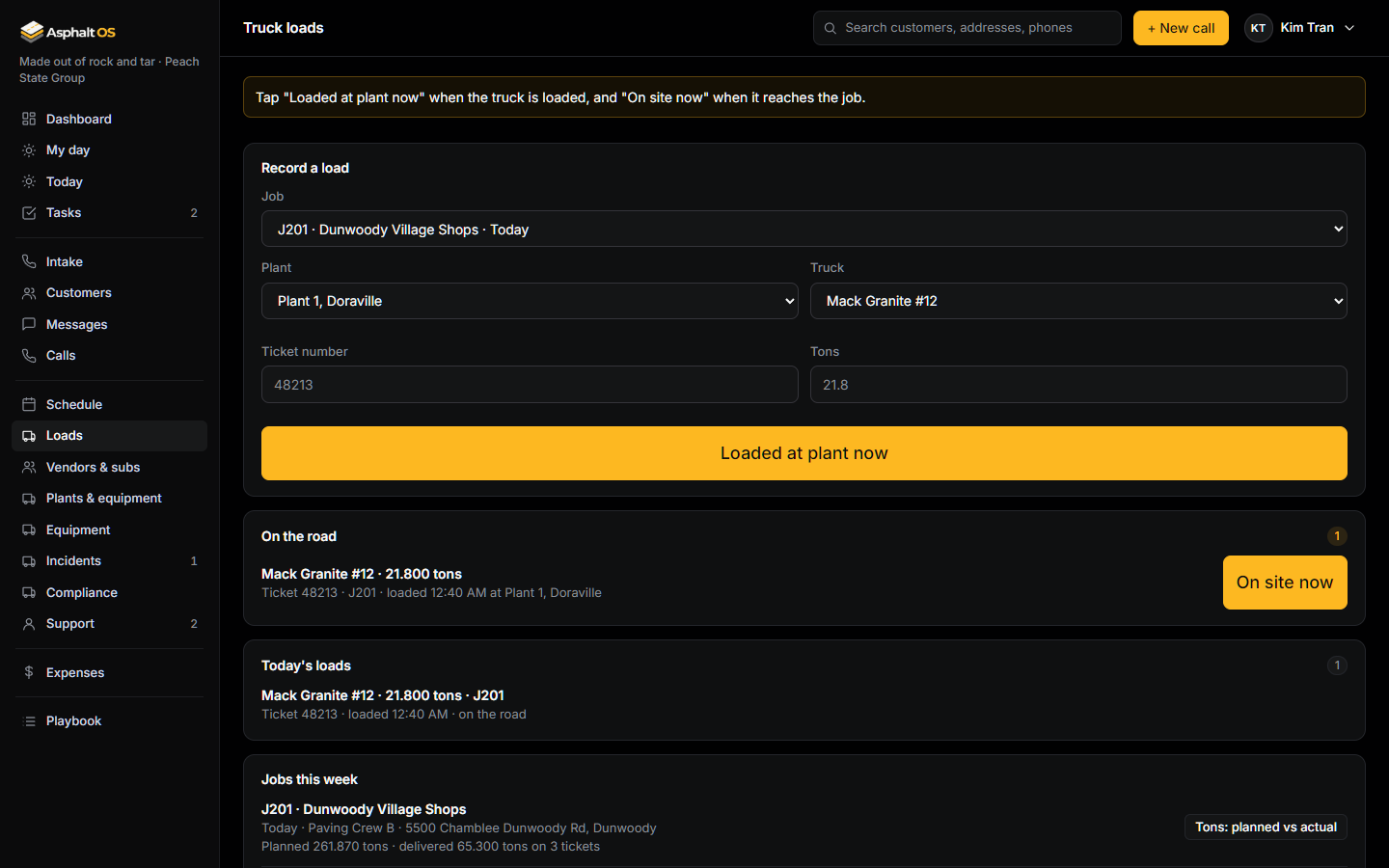
The dump truck driver records each load from the phone: Loaded at plant now at the plant, On site now at the job. The office sees the truck cycle and the tons delivered against the tons planned.
Read more: Truck loads and plants, Operations.
See it with your own jobs
The demo opens in your browser with a sample paving company. Or tell us about your company and we will walk you through the real thing.