

Connections
Your own accounts, your own keys
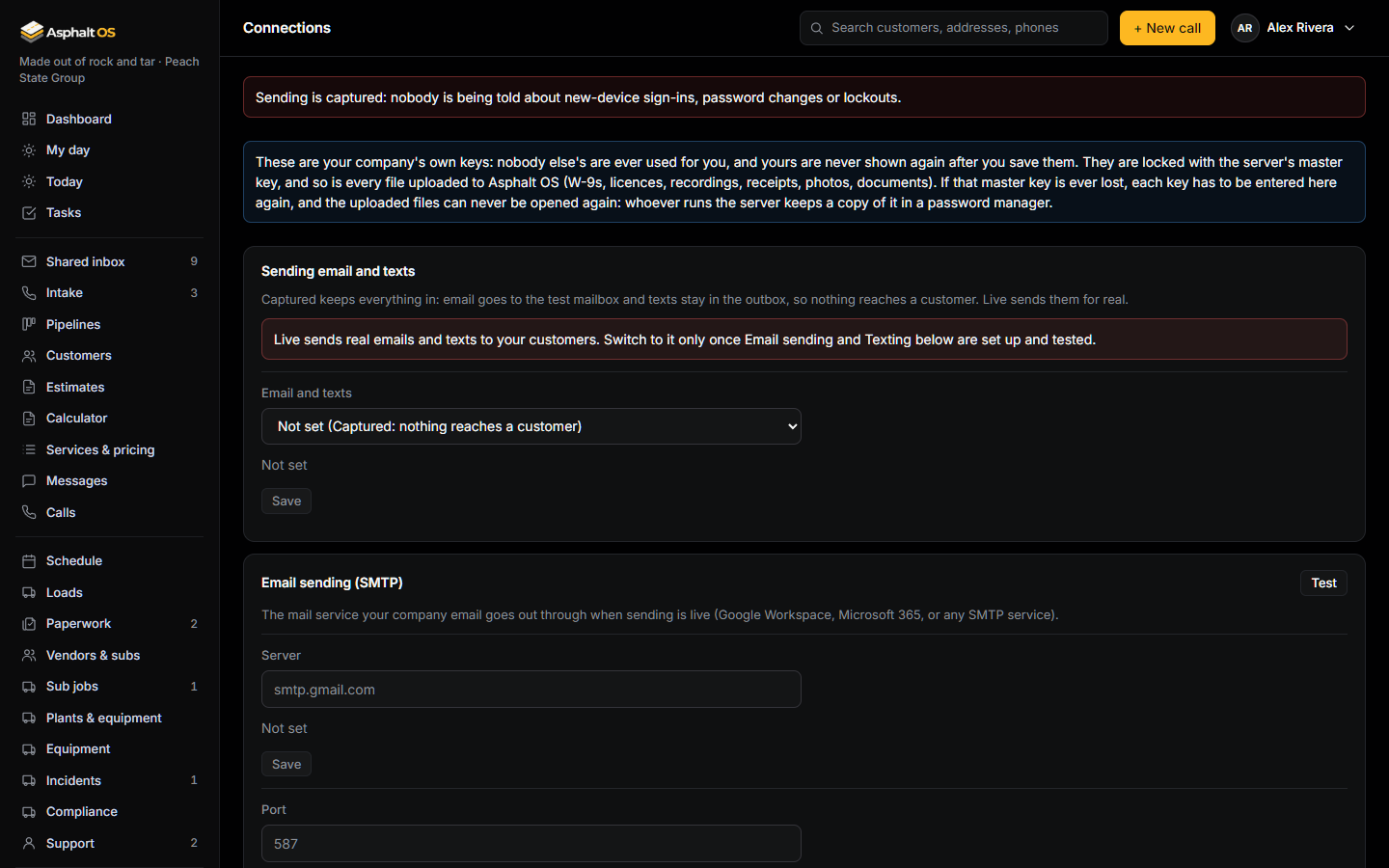
Asphalt OS talks to a few outside services on your company's behalf: texting, email, your mailbox, payments, QuickBooks, AI. Each company enters its own keys, and nothing is shared between companies.
The Connections page
Only the CEO and the Asphalt OS staff role can open it. Saving or removing a key asks for your password again. A key can be written, never read back: once saved, the page shows only that it is set and how it ends, for example "Set, ends in 4f2a".
- Each key is encrypted in the database with the server's master key, so a database backup never contains a readable key.
- Most settings are the owner's to approve: when the Asphalt OS staff save one, the change waits under Waiting for your approval until the owner says yes, with the password again.
- Each feature reads only its own key, for the person using it. The mail service's, the mailbox's, Twilio's, Stripe's and QuickBooks' keys are read only by the background worker, and the app server keeps no copy.
- A new key is used right away. No restart. The history log records who changed which setting and when, never a value.
- Each card with a harmless check has a Test button. The answer is always the app's own plain sentence.
Read more: Connections to outside services.
What each connection does, and what happens until it is set
Asphalt OS works from day one without any of these. Each one switches on one more thing.
| Card | What it does | Until it is connected |
|---|---|---|
| Sending email and texts | Captured (where a new company starts) keeps everything in; Live sends real email and texts. | Nothing reaches a customer. |
| Email sending (SMTP) | The mail service your emails go out through: acknowledgments, proposals, invoices and reminders. | Emails are held back and reach nobody. |
| Texting (Twilio) | Sends and receives texts from your company's number. One number belongs to one company. | No texts go out. |
| Company mailbox | Google Workspace or Microsoft 365: new mail lands in the shared inbox. | No new mail comes in from the mailbox. |
| Payments (Stripe) | Your own Stripe account: an invoice paid online goes straight to it. Asphalt OS never holds money or sees a card number. | No online checkout: invoices say how to pay by check or bank transfer. |
| TruTec measuring | Measures a property from the air for an estimate. The real TruTec connection is not built yet. | Measurements are simulated and say so. Type the size yourself. |
| QuickBooks Online | Pulls each job's income and costs from QuickBooks Online. | Import a QuickBooks export instead. |
| Ask Asphalt (Anthropic) | The AI behind the owners' chat and the shared inbox's assistant. | The snapshot shows, the chat doesn't; the inbox works without the AI. |
| Call transcription | Turns call recordings into text. | Type or paste the transcript. |
| Weather | Forecasts and warnings over your job sites from the National Weather Service: free, no key, but it receives each job site's location. | A built-in sample forecast, and nothing leaves the building. |
| Address lookup | Turns plant and job-site addresses into map points with the US Census lookup: free, no key, but it receives the addresses. | A built-in stand-in, and nothing leaves the building. |
Services that need no key
The weather forecasts come from the National Weather Service and the address lookup for plants and job sites from the US Census. Both are free US government services with no account to open, and each has its own card on the Connections page, because they send job-site locations out. Until you pick the real one, the schedule shows a built-in sample forecast, addresses use a built-in stand-in, and nothing about your job sites leaves the building.
Online card payments run on your company's own Stripe account, entered on the Payments card. Without it there is no pretend checkout: the invoice says how to pay by check or bank transfer. See Invoices.
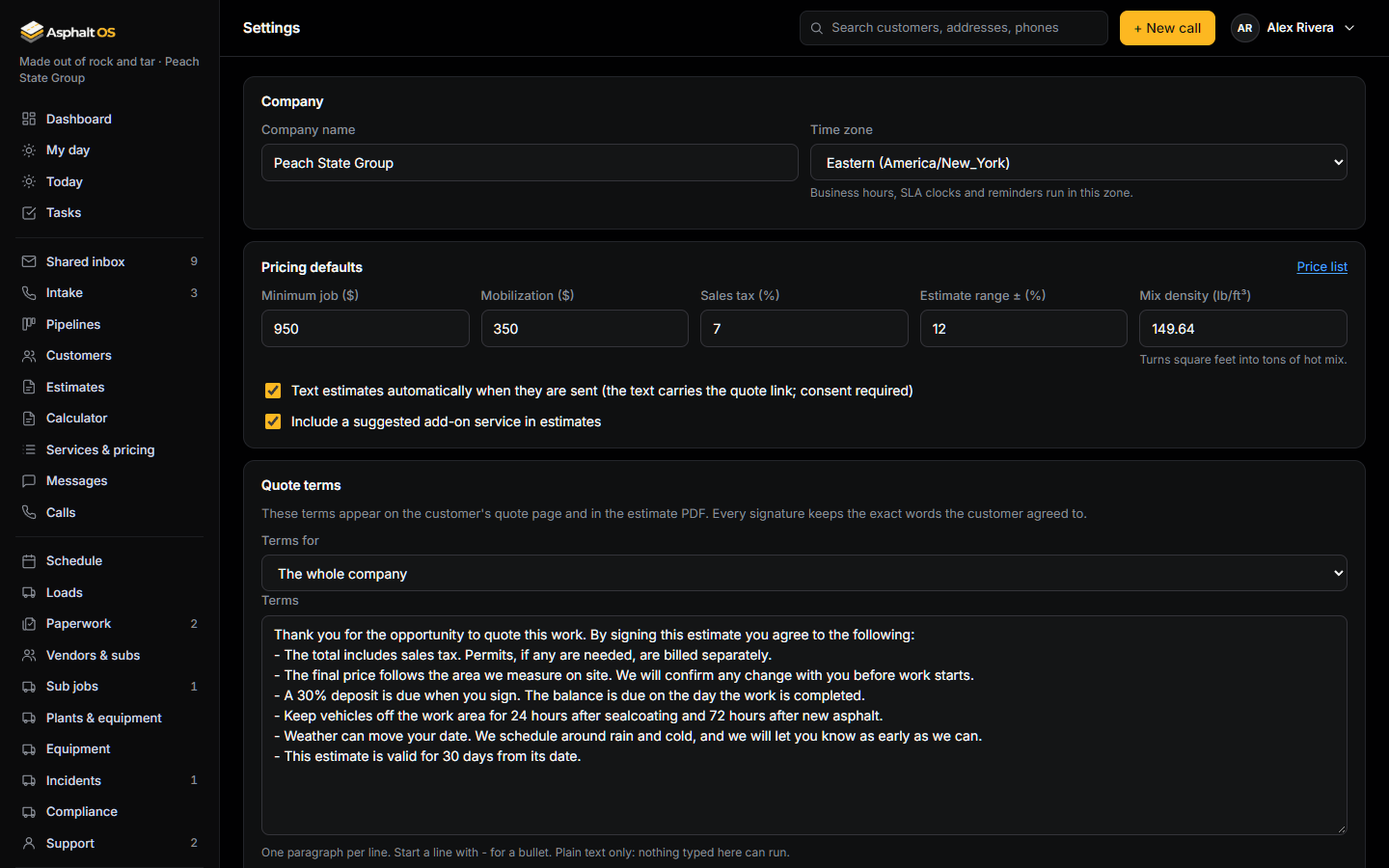
Settings also holds your look: your own logo at the top of every page instead of the Asphalt OS one, and the colour the app draws its buttons in, for everyone in the company at once. See Your company's look.
Read more: Company settings, What needs your own account.
See it with your own jobs
The demo opens in your browser with a sample paving company. Or tell us about your company and we will walk you through the real thing.